College of
LIBERAL ARTS AND
SCIENCES
DISCOVER YOUR PASSION
The oldest and largest of Villanova’s colleges, the College of Liberal Arts and Sciences offers more than 40 academic programs and cultivates knowledge, understanding and intellectual courage for a purposeful life in a challenging and changing world.
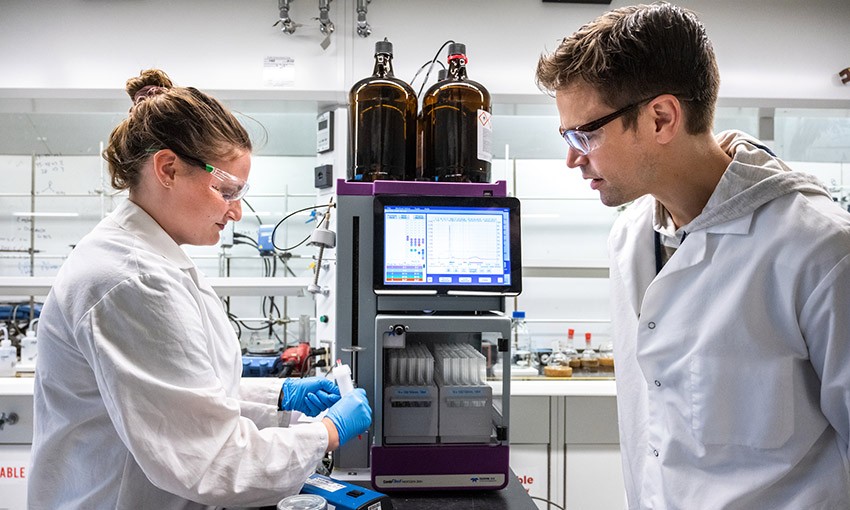
CLAS undergraduate and graduate students can find opportunities for collaborative research and learning with faculty who are dedicated teacher-scholars and among the most distinguished in their fields. From pinpointing a protein that could hold a key to cancer screenings, to testing the impact of industry on local waterways, to critiquing creative writing alongside published novelists, each experience elevates learning and yields insights.
The College’s dynamic, integrated curriculum encourages creativity and innovation, developing critical thinkers, strong communicators and ethical leaders well positioned for diverse and interesting careers. With an emphasis on faculty-student engagement, experiential learning and a global perspective, CLAS is where students find their passion, path and purpose.
EXPLORE OUR PROGRAMS
BACHELOR'S
MASTER'S
DOCTORAL
CERTIFICATE
MINOR
CURRICULUM
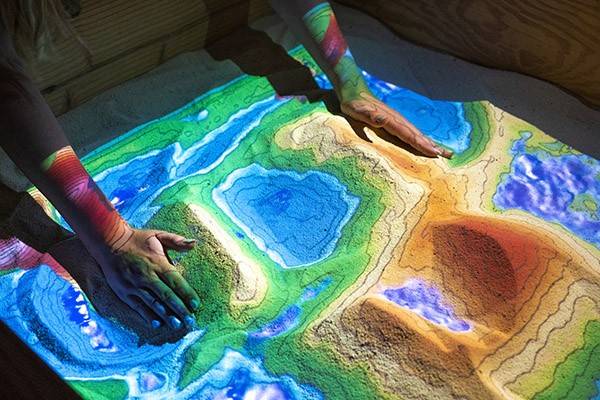
COLLEGE NEWS
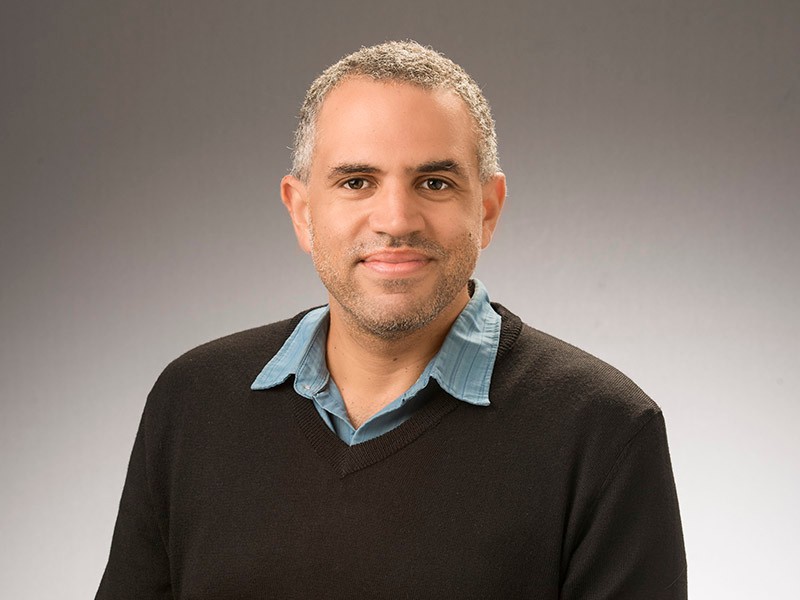
Vincent Lloyd, PhD, Named 2024 Guggenheim Fellowship Recipient
Vincent Lloyd, PhD, a professor of Theology and Religious Studies and Director of the Center for Political Theology at Villanova University, has been named a 2024 Guggenheim Fellow. Chosen through a rigorous application and peer review process from a pool of almost 3,000 applicants, Dr. Lloyd is one of 188 fellows.
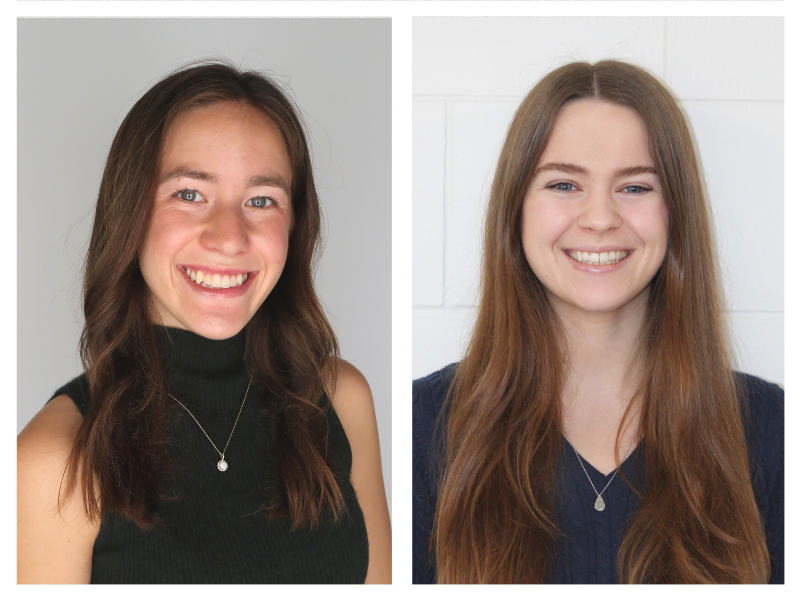
Villanova University Juniors Named 2024 Goldwater Scholars
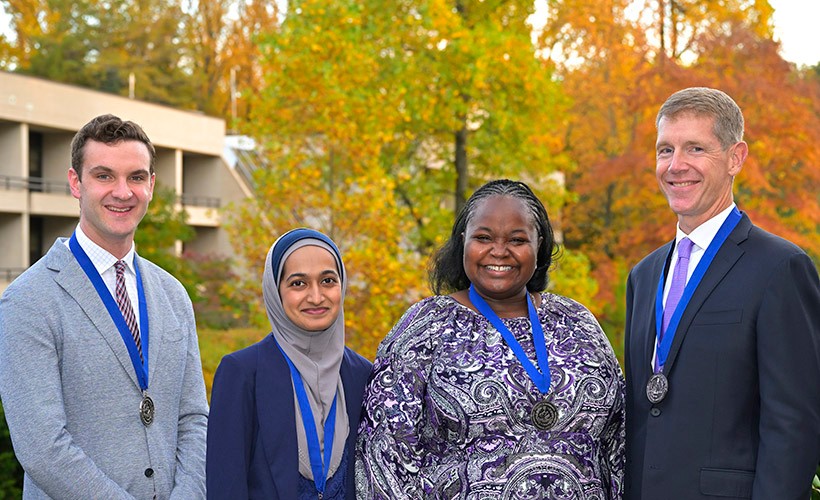
Lauren Arnold and Hailey Bierling, juniors in the College of Liberal Arts and Sciences, have been named 2024 Goldwater Scholars by the Barry Goldwater Scholarship and Excellence in Education Foundation.
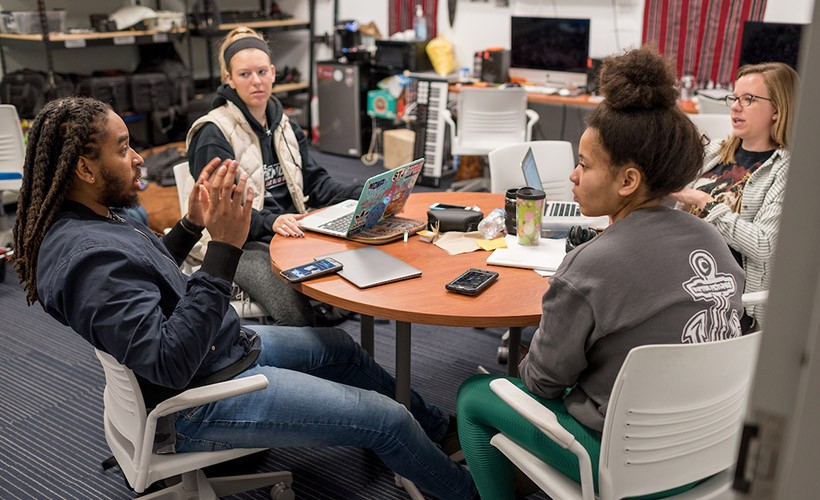
Four New Villanova Student Produced Social Justice Documentaries to Premiere in April and May
The Social Justice Documentary filmmaking course is known for producing documentaries that shed light on important narratives. In spring 2024, two student production companies will premiere a total of four new documentaries featuring stories of cultural preservation, community, education and empowerment.

Lezlie Hilario Named Recipient of Prestigious Harry S. Truman Scholarship
Lezlie Hilario ‘25, a Political Science and Global Interdisciplinary Studies major in the College of Liberal Arts and Sciences, has been awarded a 2024 Harry S. Truman Scholarship. Hilario is the seventh Villanovan since 1984 and the first since 2015 to receive a Truman Scholarship.
AT A GLANCE
60+
GRADUATE STUDENTS PRESENT AT ACADEMIC CONFERENCES EACH YEAR
94%
SUCCESSFUL PLACEMENT RATE
FOR CLASS OF 2023
17
STUDENTS OR ALUMNI EARN FULBRIGHT SCHOLARSHIPS IN 2022 – 2023
81%
OF STUDENTS SEEKING A RESEARCH EXPERIENCE PARTICIPATED IN AT LEAST ONE
89%
OF STUDENTS SEEKING AN INTERNSHIP PARTICIPATED IN AT LEAST ONE
96%
of students seeking a service experience participated in at least one